Secure Sync for Google Drive & Nextcloud
Move toward digital sovereignty at your own pace
Securely synchronize your Google Drive folders with your Nextcloud personal and team folders. Keep files available across both platforms, one-way or bidirectionally, with secure authentication and filtering.
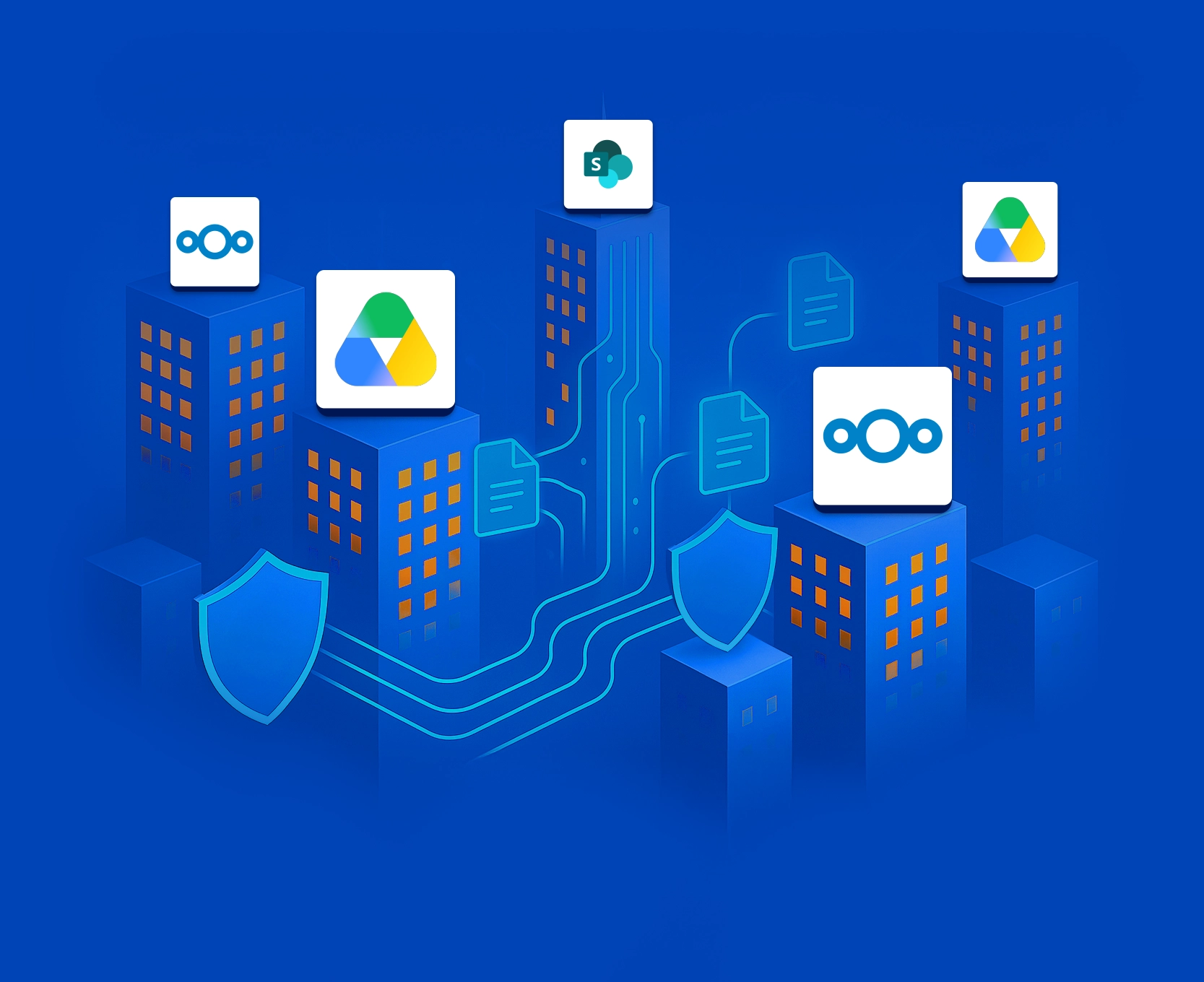


SYNCHRONIZE GOOGLE DRIVE FOLDERS WITH NEXTCLOUD personal AND TEAM FOLDERS
You have chosen Nextcloud to strengthen digital sovereignty, but replacing Google Drive at once would disrupt users, workflows, and ongoing collaboration.
Secure Sync for Google Drive & Nextcloud enables a smooth coexistence between platforms, allowing you to gradually introduce Nextcloud while Google Drive remains accessible to the teams and tasks that require it, for as long as necessary. By ensuring that documents are synchronized and current in both settings, your organization achieves greater control, increased independence, and improved resilience against outages.
With Secure Sync for Google Drive & Nextcloud, you get:
- Two-Way Synchronization: Set it up so updates on one platform automatically appear on the other, with no more missed files and discrepancies.
- Advanced Filtering: Synchronize exactly what you need by setting filters based on start date, file name, file type, and other criteria to stay in complete control.
- Always the Correct Version: Team members always have access to the latest documents, eliminating confusion and increasing productivity.
- Reduced Manual Effort: Avoid burdening your teams with repetitive copying and oversight, and eliminate the risk of accidental mistakes or inconsistent data.
Secure, Controlled Google Drive & Nextcloud Sync
Whether you need to strengthen your digital sovereignty, improve team collaboration, or enforce compliance standards, Secure Sync for Google Drive & Nextcloud is the comprehensive solution that keeps your files synchronized, secure, and always accessible.
Explore what you can achieve with Secure Sync for Google Drive & Nextcloud:
Context: Your organization uses Google Drive, but wants greater control over its documents and less dependency on a single platform. A synchronized copy in Nextcloud Team Folders creates an independently operated environment for documents, without requiring an immediate change for every user or workload.
- Automate synchronized copies, without manual effort or oversight
- Reduce platform dependency with an independently operated environment
- Move at your own pace, defining if and when to do the cutover
Goal: Digital Sovereignty over documents
How it works: Unidirectional synchronization of Google Drive files to Nextcloud Team Folders
Context: Mirroring of Google Drive document libraries in Nextcloud Team Folders (or vice-versa) for backup or continuity
- Automated mirroring
- Robust data redundancy, with zero downtime
- Simple recovery in case of loss or corruption
Goal: Continuous availability of files
How it works: Unidirectional synchronization of document libraries from Google Drive to Nextcloud, or vice versa
Deployment can be self-hosted with the service installed inside your environment, ensuring maximum security and giving you full control over your data, or it can be SaaS on a dedicated SaaS.
Secure Sync for Google Drive & Nextcloud works for:
- Google Drive
- Nextcloud Personal Folders
- Nextcloud Team Folders
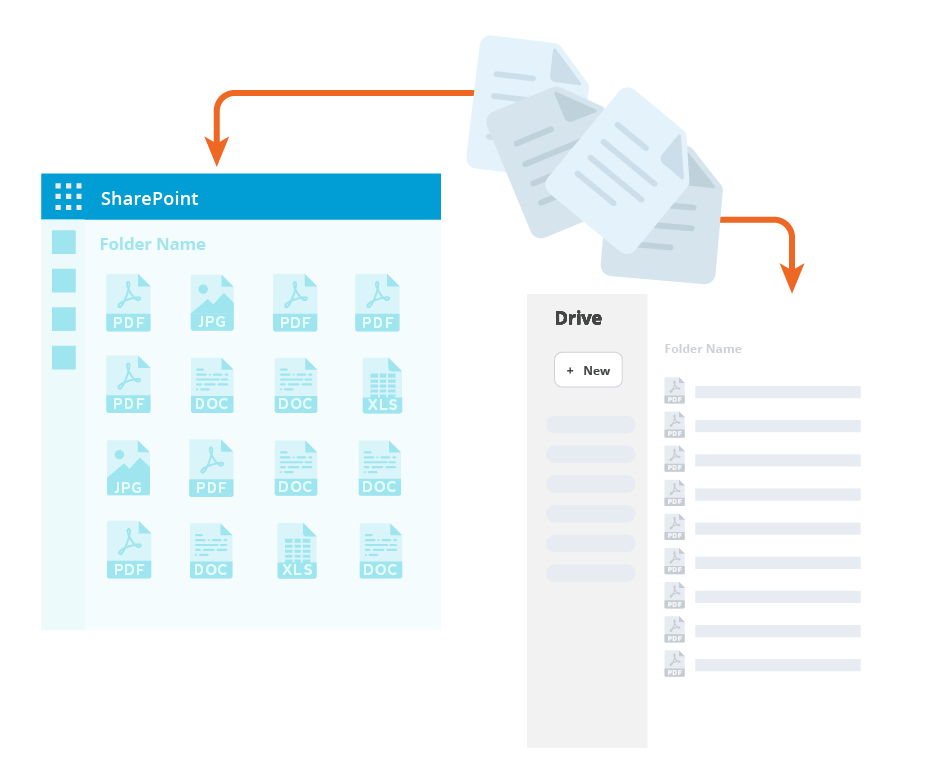
It is also available for Microsoft SharePoint, OneDrive, and Microsoft 365.
Benefits of Secure Sync for Google Drive & Nextcloud

Increased Productivity
Automate synchronization, freeing up valuable IT resources from repetitive manual copying tasks

Security Assured
Ensure secure data transfer, with support for advanced security measures like data diodes

Enhanced Collaboration
Collaborate on the same file available in different environments without worrying about versions

Simplified Compliance
Ensure document updates and deletions are replicated for compliance with GDPR, NIS2 and other regulations

High Availability
Maintain continuous, automatic synchronization with automated failover mechanisms and a fault‑tolerant architecture

Reliable Partner
Connecting Software has a proven track record since 2004, and certifications such as ISO 27001
Connecting Software
Secure Sync for
Google Drive & Nextcloud
Google DRIVE & Nextcloud Sync
for Every Scenario
Context: Maintaining continuous synchronization of Google Drive files to self-hosted or European-hosted Nextcloud environments to protect against price hikes, API throttling, or geopolitical disruptions
- Independent, local copy of critical data hosted on European infrastructure or private servers
- Freedom from cloud vendor lock-in, rate limiting, and unexpected price increases
- Instant operational autonomy if access to primary cloud services is restricted or politically constrained
Goal: Complete data independence and protection against vendor-related or geopolitical risks
Context: Several organizations are working together on a joint project, one using Google Drive and the other using Nextcloud
- Each organization stores project-related documents and folders in either Google Drive or Nextcloud.
- The teams need to collaborate on these files, ensuring only authorized partners can access the specific documents they need without manual transfers or granting access to all documents.
Goal: Secure, efficient cross-company document collaboration
Simple to Configure, Strong at Scale
Secure Sync for Google Drive & Nextcloud was built with scalability in mind, and can support 100 000+ users.
Nonetheless it is straightforward to configure because you will just need to repeat the basic configuration as many times as needed:
- Establish a Sync Pair for one Nextcloud Files and one Google Drive. You can establish as many Sync Pairs as needed.
- Define your settings:
- Unidirectional or bidirectional
- Which document libraries and folders you want to synchronize
- What filters you wish to apply: start date, file name or type, and others
- Start synchronization.
- Monitor synchronization status.
fully compatible with
Truth Enforcer
Secure Sync for Google Drive & Nextcloud is compatible with Truth Enforcer.
With Truth Enforcer, you can secure the integrity of documents to make authenticity verifiable.
Have the immutable proof to face the regulatory compliance demands.