Secure Sync for
Google Drive & SharePoint
Unified Document Synchronization for Google Drive and SharePoint
Eliminate manual file transfers and enable smooth collaboration, continuous operations, and streamlined migrations throughout your SharePoint and Google Drive setups
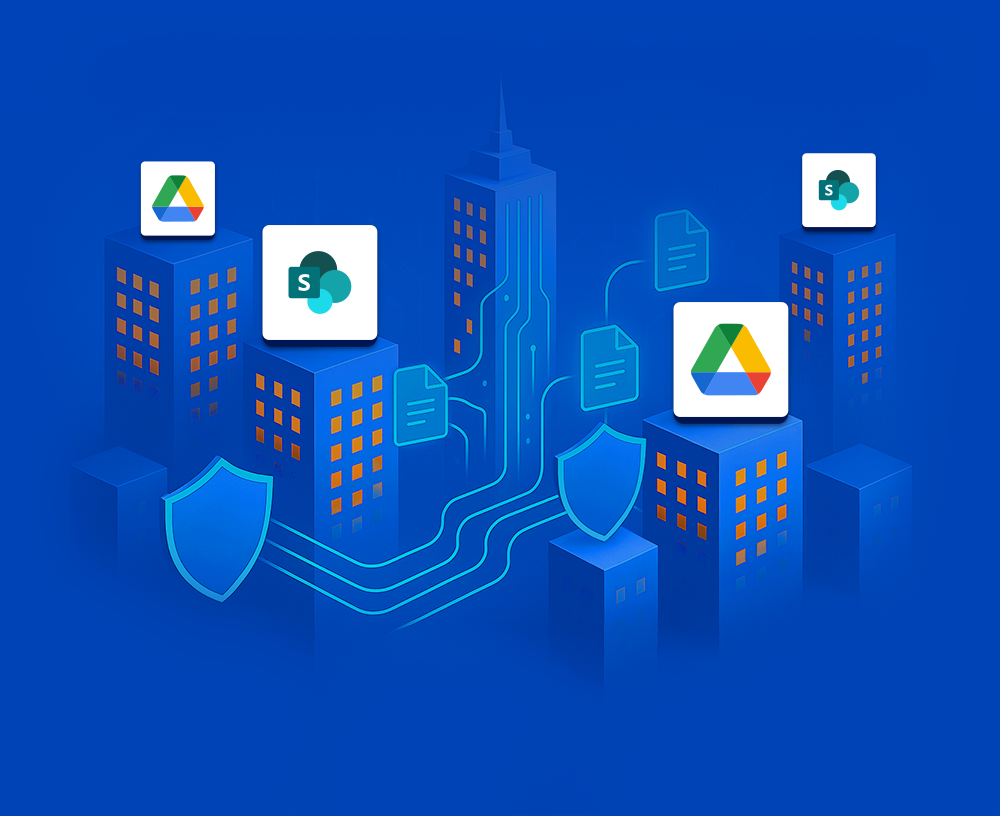


SYNCHRONIZE Google Drive & SharePoint FILES AND FOLDERS
Keeping files and folders aligned between SharePoint/Microsoft 365 and Google Drive by manually copying files over exposes your organization to version confusion, human error, and lost changes.
Secure Sync for Google Drive & SharePoint delivers a smarter, automated solution that continuously keeps content aligned across both platforms. By maintaining synchronized, up-to-date data in both environments, your organization becomes more resilient to outages. You get:
- Two-Way Synchronization: Set it up so that updates on one platform are automatically reflected on the other, with no more missed files and discrepancies.
- Always the Correct Version: Team members always have access to the most current documents, eliminating confusion and boosting productivity.
- Business Continuity & Backup: Maintain uninterrupted access to content, protect against data loss, and guarantee readiness for any scenario.
- Reduced Manual Effort: Free your teams from repetitive copying and oversight while eliminating the risk of accidental mistakes or inconsistent data.
- Advanced Filtering: Synchronize exactly what you need by setting filters based on start date, file name, file type, and other criteria to stay in complete control.
Secure and Flexible Google Drive & SharePoint Sync
Whether you need to collaborate seamlessly, automate complex migrations, or enforce stringent compliance standards, Secure Sync for Google Drive & SharePoint is the comprehensive solution to keep your files synchronized, secure, and always accessible.
Explore what you can achieve with Secure Sync for Google Drive & SharePoint:
Context: Mirroring of SharePoint document libraries in Google Drive for backup (or vice-versa)
- Automated mirroring
- Robust data redundancy, with zero downtime
- Simple recovery in case of loss or corruption
Goal: Continuous availability of files
How it works: Unidirectional synchronization of document libraries from SharePoint to Google Drive or the other way round
Deployment is fully self-hosted— the service is installed inside your environment, ensuring maximum security and giving you full control over your data.
Secure Sync for Google Drive & SharePoint works for:
- Google Drive
- SharePoint 2013, 2016, 2019 Online or On-premises, Subscription Edition
- Office 365 / Microsoft 365
- Office 365 GCC High and DoD
BENEFITS of Secure Google Drive & SharePoint Sync

Increased Productivity
Automate synchronization, freeing up valuable IT resources from repetitive manual copying tasks

Security Assured
Ensure secure data transfer, with support for advanced security measures like data diodes

Enhanced Collaboration
Collaborate on the same file available in different environments without worrying about versions

Simplified Compliance
Ensure document updates and deletions are replicated for compliance with GDPR, NIS2 and other regulations

High Availability
Maintain continuous, automatic synchronization with automated failover mechanisms and a fault‑tolerant architecture

Reliable Partner
Connecting Software has a proven track record since 2004, and certifications such as ISO 27001
Connecting Software
Secure Sync for Google Drive & SharePoint
Google Drive & SharePoint Sync
for Every Scenario
Context: Several organizations are working together on a joint project, one using a SharePoint server and the other Google Drive
- Each organization stores project-related documents and folders in either SharePoint or Google Drive.
- The teams need to collaborate on these files, ensuring only authorized partners can access the specific documents they need without using manual transfers and without opening access to all documents.
Goal: Secure, efficient cross-company document collaboration
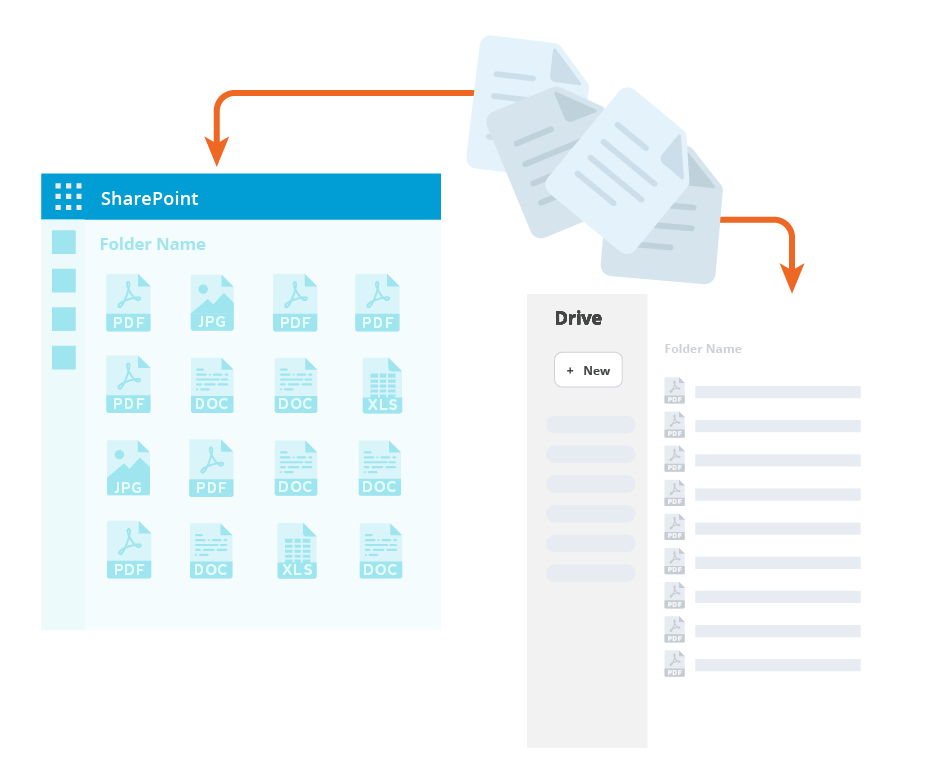
Simple to Configure, Strong at Scale
Secure Sync for Google Drive & SharePoint was built with scalability in mind, yet it is straightforward to configure because you will just need to repeat the basic configuration as many times as needed:
- Establish a Sync Pair for one Google Workspace and one SharePoint server. You can establish as many Sync Pairs as needed.
- Define your settings:
- Unidirectional or bidirectional
- Which document libraries and folders you want to synchronize
- What filters you wish to apply: start date, file name or type, and others
- Start synchronization.
- Monitor synchronization status.
fully compatible with
Truth Enforcer
Secure Sync for Google Drive & SharePoint is compatible with Truth Enforcer for SharePoint.
With Truth Enforcer, you can secure the integrity of documents stored in SharePoint to make authenticity verifiable.
Have the immutable proof to face the regulatory compliance demands.